This is only available to language coordinator.
Action on request from user
While signed-in as language coordinator
- Click on the request link sent in request email or
- Go to language team page via
Languagestab. - Click on
Requeststab on the page to see all pending request from users.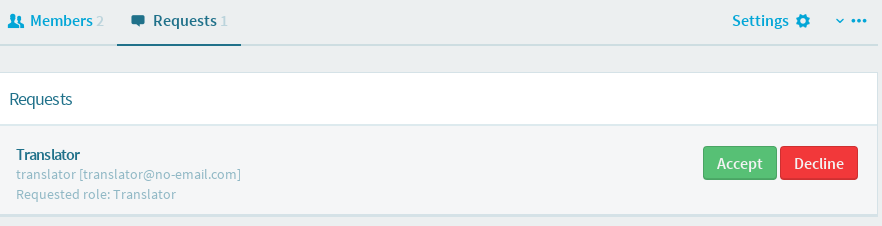
-
To accept request, click on
Acceptbutton. You can add in more role for the user once request accepted.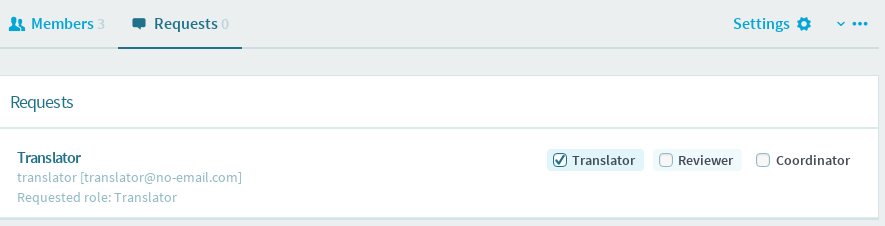
-
To decline request, click on
Declinebutton. Fill in the decline reason and clickDecline requestbutton.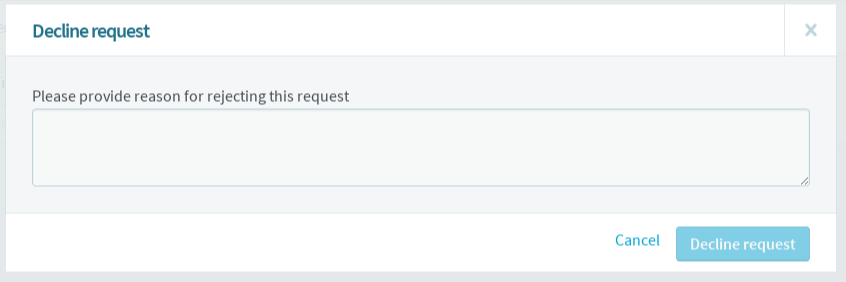
Manual search and add team member
While signed-in as language coordinator
- Click
Languagestab. - Click the language team.
- Click on
+sign on the top left panel.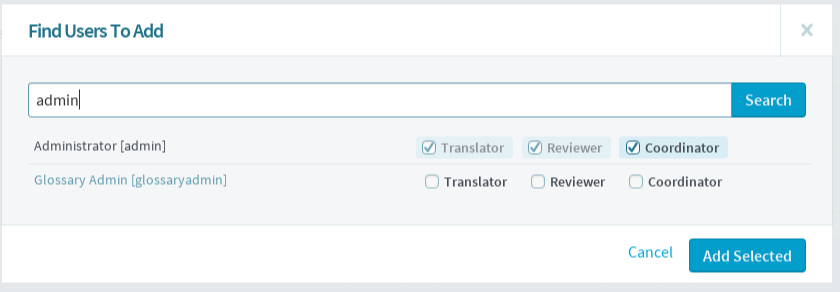
- Enter username and click
Search. - Select the appropriate role for the user and click
Add Selected.