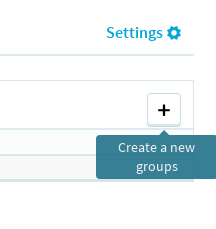
Click on '+' button on right panel.
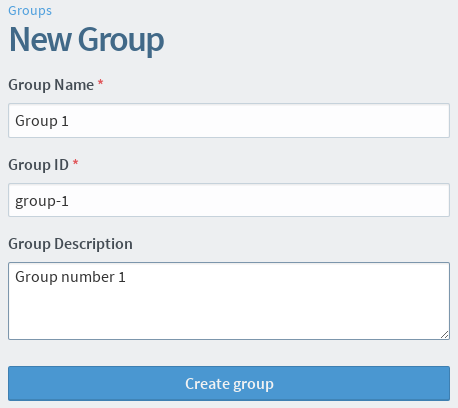
The following screenshot shows the group creation page.
Example filled in group creation form
Group name
Name is the display name for your group. This should be a name that allows users to easily recognize your group.
Group ID
Group ID is a unique identifier for your group that will be used in the group's URL. It accepts only letters, numbers, periods, hyphens and underscores, and cannot contain any spaces.
Description
A short description to provide a little more information for users to identify your group.