Create user
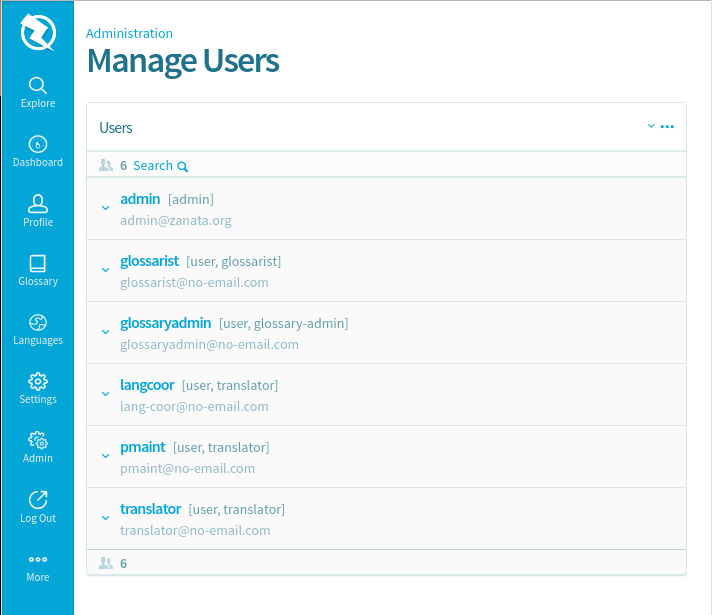
- On the left side menu, click on
Admin - Select
Manage userson the screen. - On the top right windows, click on
...to display more options.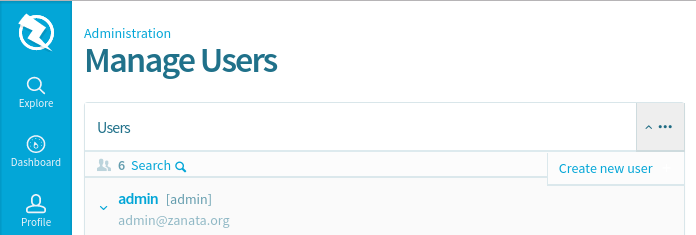
- Click on
Create new user. - Fill in all fields and click save.
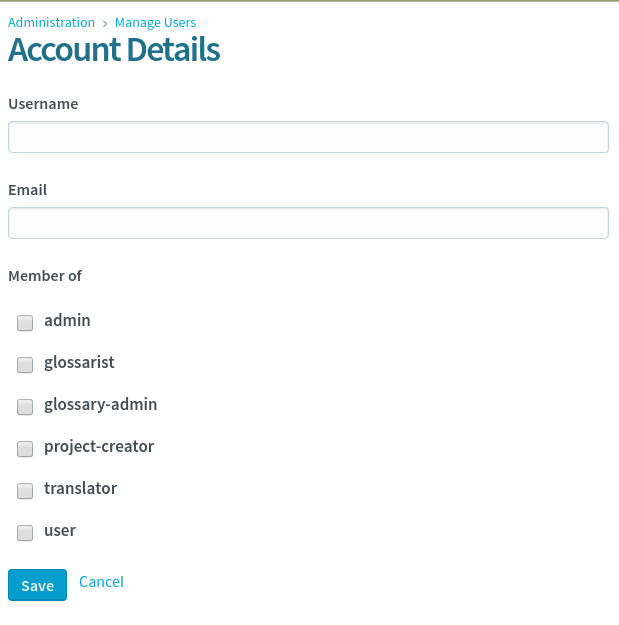
- A notification email will be send to the user with instruction on how to set their password.
Delete user
- On the left side menu, click on
Admin. - Select
Manage userson the screen. - On the left side of the user entry, click on the down arrow.
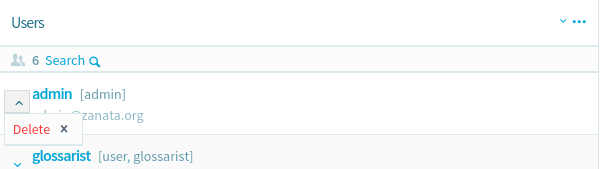
- Select
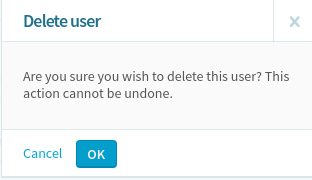
Deleteoption from the list.